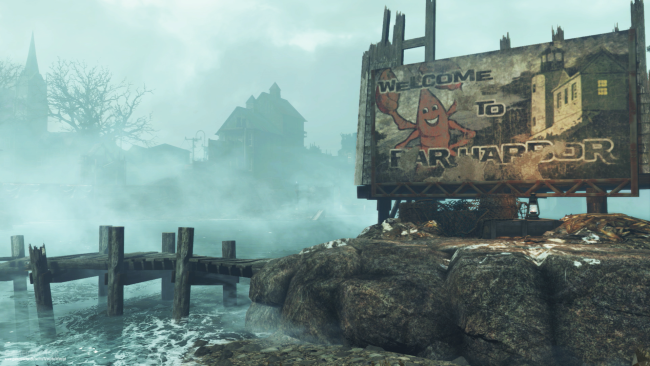
Bethesda har for nylig udgivet en gigantisk udvidelse til Fallout 4 kaldet Far Harbor, men der har været en del tekniske problemer på PlayStation 4. Nu har udviklerne udgivet en guide til hvordan du kan fikse disse via spillets community-side, og der foreslår de at du sletter udvidelsen og downloader den igen.
1. Confirm Fallout 4 is not running. Highlight Fallout 4 in your PS4 dashboard, press OPTIONS, and select CLOSE APPLICATION to ensure Fallout 4 is not running minimized.
2. Select RELATED ITEMS. You'll find this under the Fallout 4 icon in the PS4 dashboard.
3. Select MY ADD-ONS.
4. Navigate to the DOWNLOAD ARROW next to Far Harbor and select it.
5. You should see a notice that Far Harbor has been Added to Downloads.
6. Wait for the downloadable content to finish downloading and installing before starting Fallout 4.